WorldPenScan Input Method provides Handwriting, Overlap character, Onscreen Keyboards, and Voice Input functions.
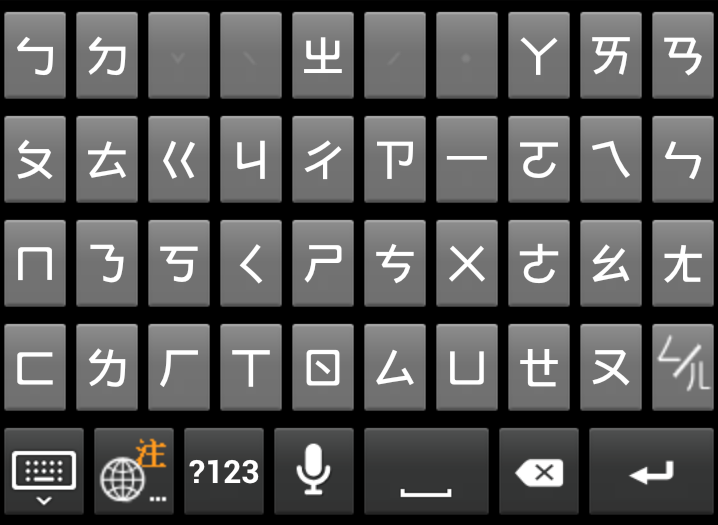
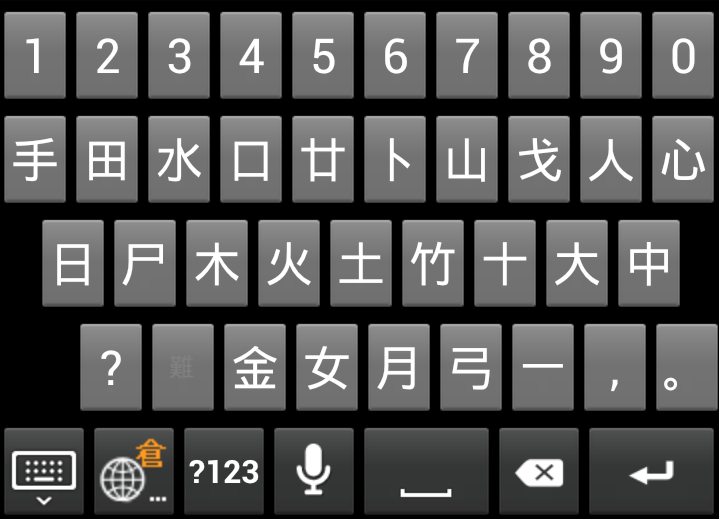
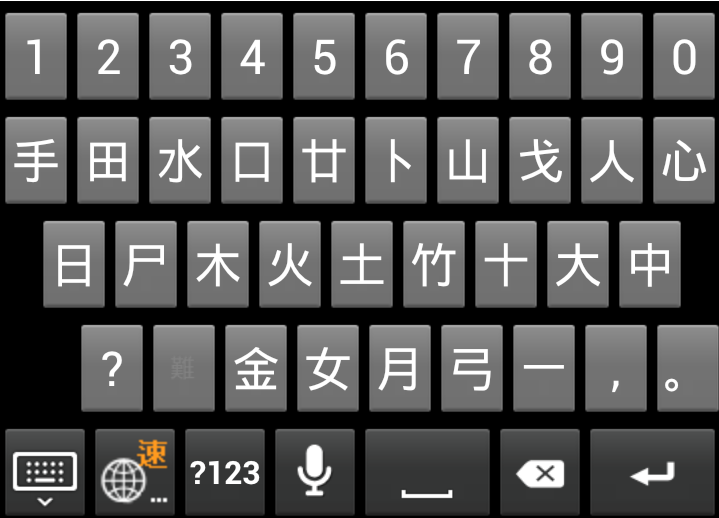
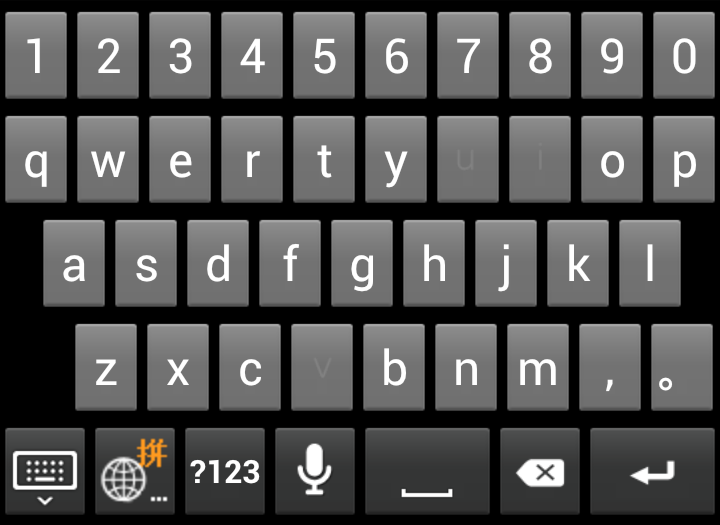
WorldPenScan Input Method can recognize Traditional Chinese, Simplified Chinese, English, and Numbers/Symbols. The Onscreen Keyboards contain English Keypad, Zhuyin Keypad, Cangjie Keypad, simplified Cangjie Keypad, and Pinyin Keypad.
WorldPenScan Input Method introduction
Writing grid mode
Full screen mode
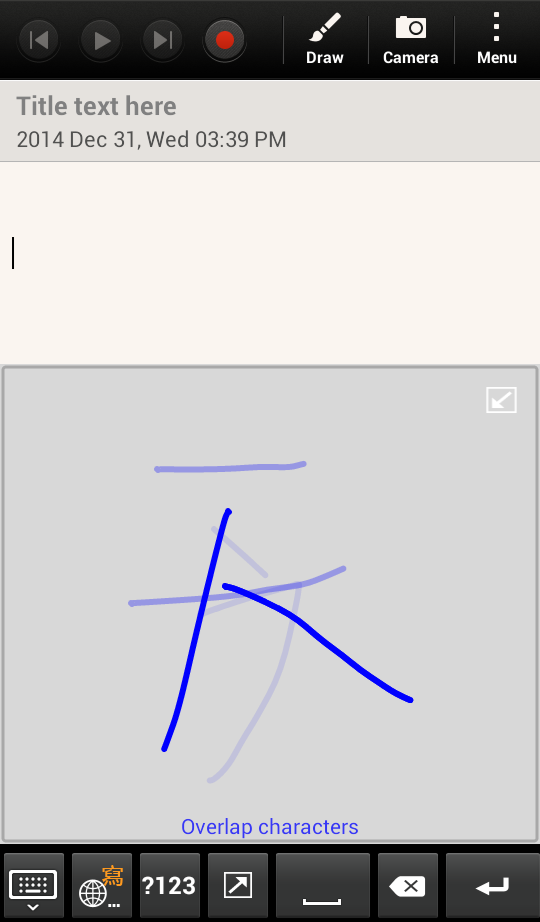
Overlap Character
Onscreen keypads
Settings
WorldPenScan Input Method introduction
WorldPenScan Input Method provides Handwriter (Writing grid mode / Fullscreen mode) and onscreen keyboards. The interface of Handwriter includes the input area and tool bars.
Tip:If WorldPenScan Input Method is set as the default input method, it will automatically bring up when you tap a text field, such as in a note or new contact.
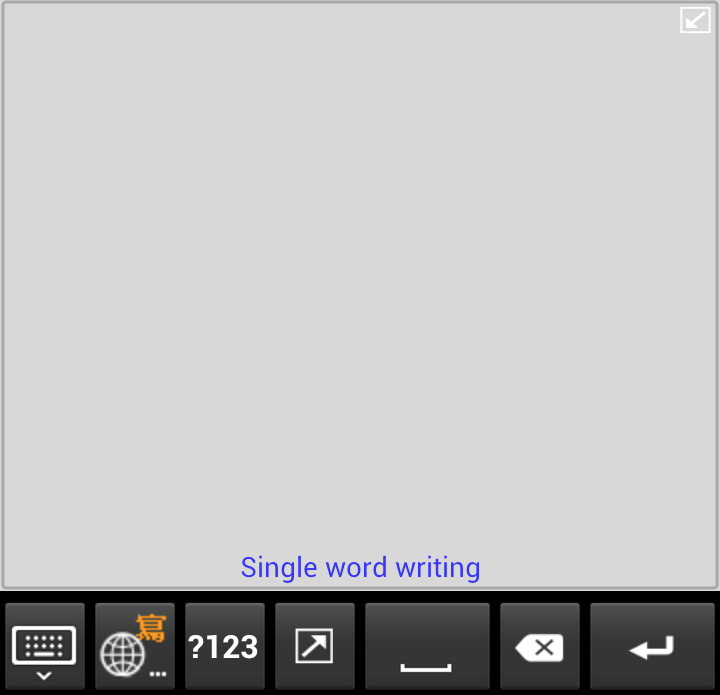
Handwriting Area
WorldPenScan Input Method can recognize Traditional Chinese, Simplified Chinese, English, and Numbers. When you rotate the phone,
WorldPenScan Input Method will follow the rotation. For more information, please see
[Writing grid mode] and [Full
Screen mode].
Tool bar
 Settings / Input method menu - Tap this button to close
WorldPenScan Input Method. Tap and hold this icon to open PenPower input method menu or switch to bring up the input method list of system.
Settings / Input method menu - Tap this button to close
WorldPenScan Input Method. Tap and hold this icon to open PenPower input method menu or switch to bring up the input method list of system.
 Switch among
WorldPenScan Input Method input methods - WorldPenScan Input Method provides Handwriter, English Keypad, Zhuyin Keypad, Cangjie Keypad, simplified Cangjie keypad, and Pinyin Keypad. Tap this button to switch among them.
Switch among
WorldPenScan Input Method input methods - WorldPenScan Input Method provides Handwriter, English Keypad, Zhuyin Keypad, Cangjie Keypad, simplified Cangjie keypad, and Pinyin Keypad. Tap this button to switch among them.
 Number and symbol - Tap to open the number and symbol keypad.
 Space - Tap this icon to insert a space.
 Delete - Tap this icon to delete the character before the cursor.
 Function Keys - This key will function differently according to the document or fields. Tap
  and you can switch to the next line. Tap and you can switch to the next field. Tap
  and you can finish the inputting process. Tap
  and you can go to a certain website. Tap
  to start to search.
 Enlarge/narrow
writing grid
- Tap the icon on the up-right corner of writing grid can enlarge/narrow the
writing
grid.
Enlarge/narrow
writing grid
- Tap the icon on the up-right corner of writing grid can enlarge/narrow the
writing
grid.
Return to contents
Writing grid mode
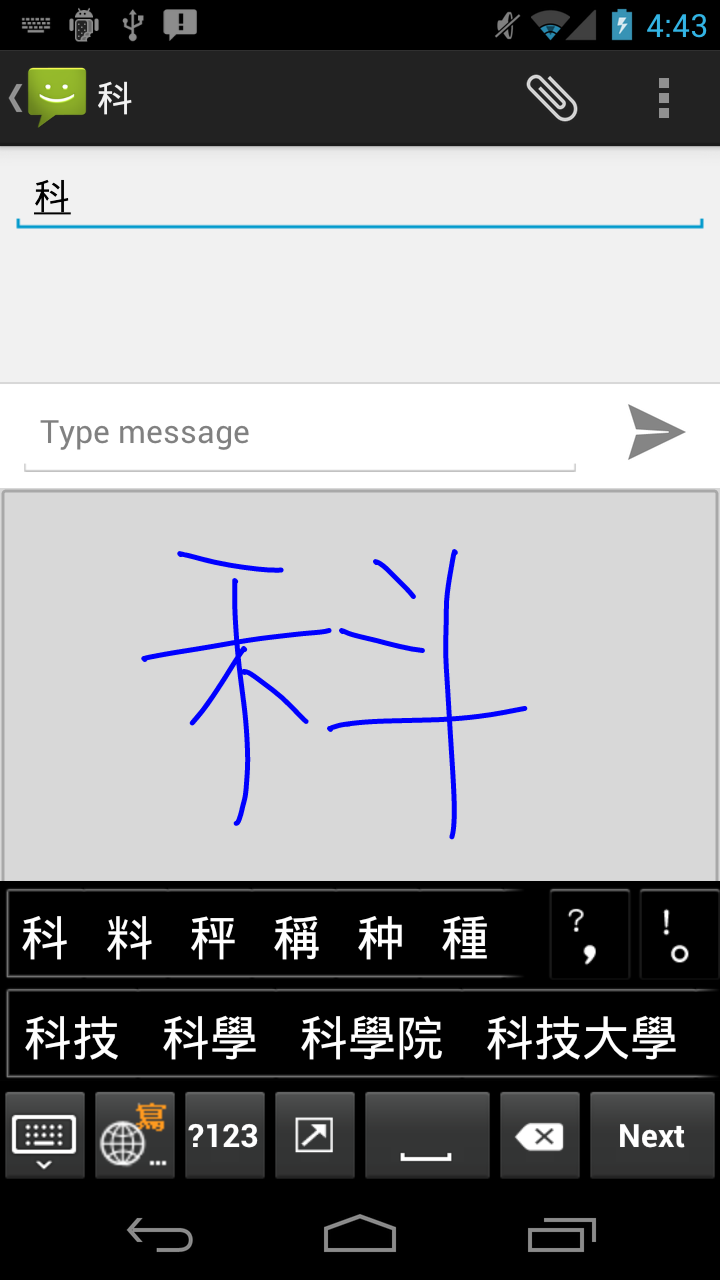
- Write a character at the handwriting area. The recognized result will be inserted to the cursor position.
Tips:
1. You can choose to write with single grid mode or double grid mode. For more about Number of writing grid
and Overlap character,
please
refer
[Settings]
2. Chinese Handwriter can recognize Traditional Chinese, Simplified Chinese, English, and Numbers. Although Chinese Handwriter can recognize HK characters, they will not be displayed correctly on the screen if your phone does not support HK characters.
3. You can set the recognition result as [Traditional Chinese], [Simplified Chinese], or [Both]. For more about recognition results, please refer
[Settings]
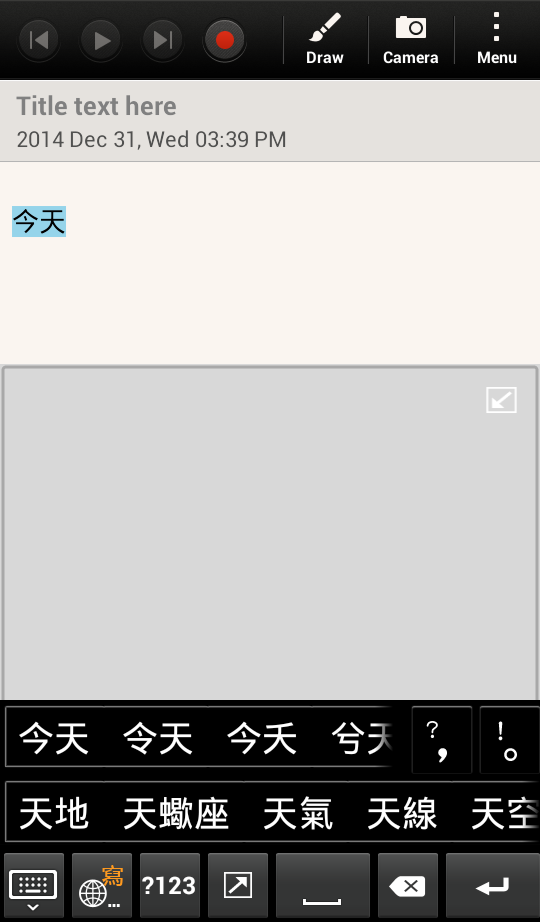
Other probable candidate words will also be listed for you to select. When you select a candidate word, it will then replace the original recognized word.
The [post-related words] will also be listed right away.
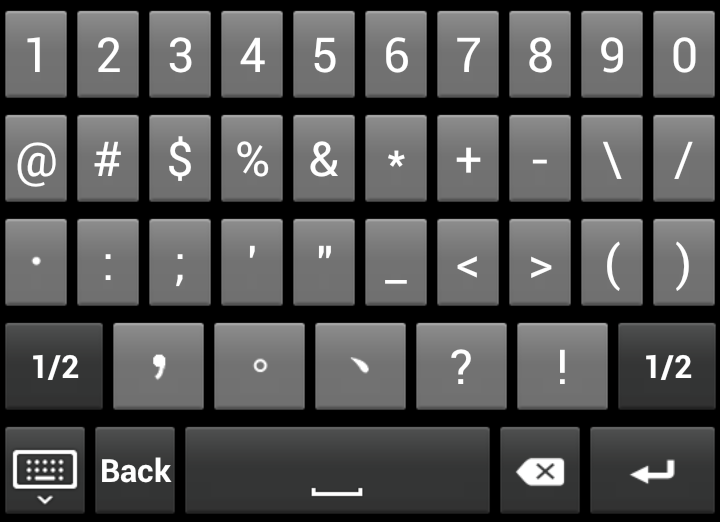
If you want to insert numbers or symbols, you can tap to switch to number and symbol keypad. Tap [Back] to switch back to Handwriter.
Tap to switch among
WorldPenScan Input Method input methods.
Return to contents
Full
Screen mode
- Tap the text field and then tap
 to switch to the Fullscreen mode.
- Write a character at the handwriting area. The recognized result will be inserted to the cursor position.
Tips:
- The Fullscreen mode supports [Single character] and [Multiple characters]. Please refer to
[Settings] .
- You can set the recognition result as [Traditional Chinese], [Simplified Chinese], or [Both]. For more about recognition results, please refer to
[Settings].
- Chinese Handwriter can recognize Traditional Chinese, Simplified Chinese, English, and Numbers. Although Chinese Handwriter can recognize HK characters,they will not be displayed correctly on the screen if your phone does not support HK characters.
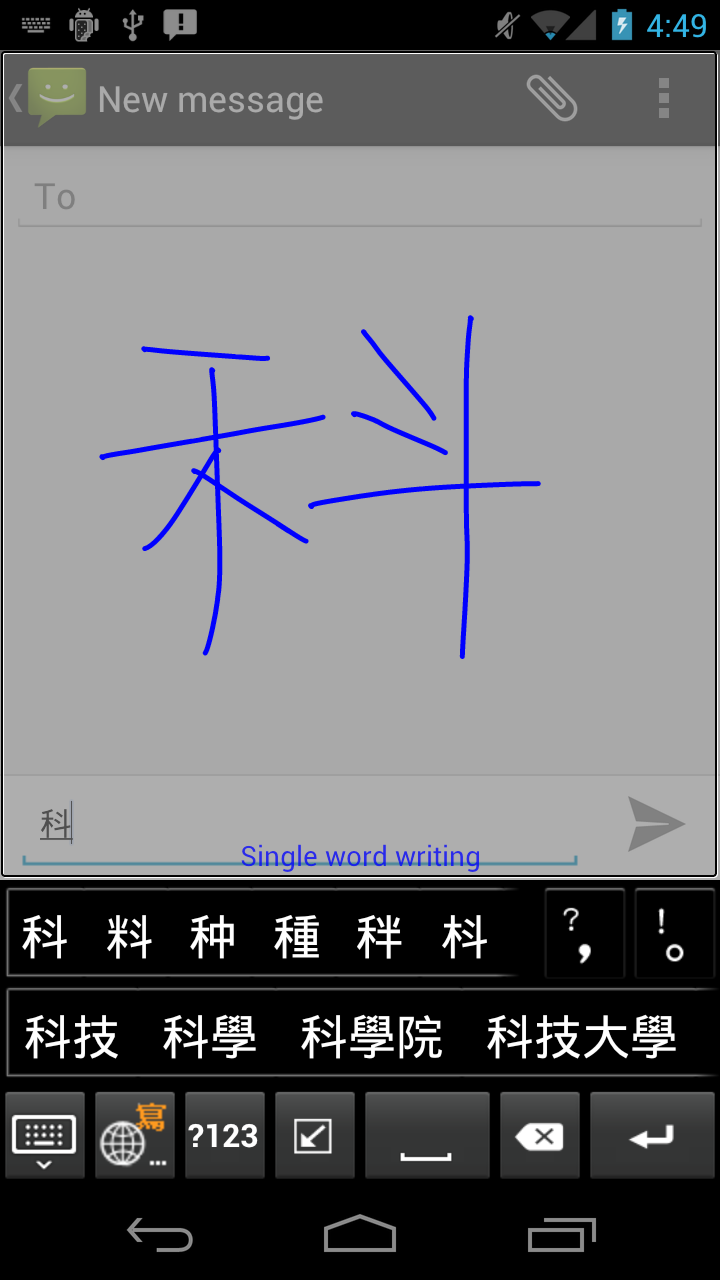
- Other probable candidate words will also be listed for you to select. When you select a candidate word, it will then replace the original recognized word.
- The [post-related words] will also be listed right away.
- If you want to insert numbers or symbols, you can tap to switch to number and symbol keypad. Tap [Back] to switch back to Handwriter.
- Tap to switch among
WorldPenScan Input Method input methods.
Return to contents
Tap and hold and select
WorldPenScan Input Method Settings.
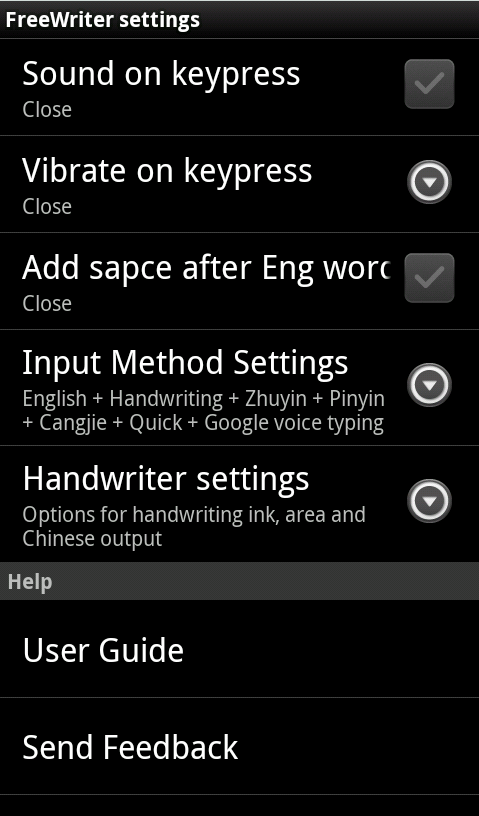
Sound on keypress
You can set the sound effect on keypress.
Vibrate on keypress
You can set the vibrate effect on keypress.
Add space after Eng word
Check to automatically add a space after inputting an English word.
Input Method Settings
WorldPenScan Input Method provides various input methods. Check the commonly-used methods and you can select them easily when you input words.
Handwriting Setting
- Chinese Recognition Result: You can set the Chinese recognition result as
- Traditional only: Whether you write Traditional Chinese or Simplified Chinese, all of the results are in Traditional Chinese.
- Simplified only: Whether you write Traditional Chinese or Simplified Chinese, all of the results are in Simplified Chinese.
- Both: You will get traditional characters while using traditional writing, and you will get simplified words while using simplified writing.
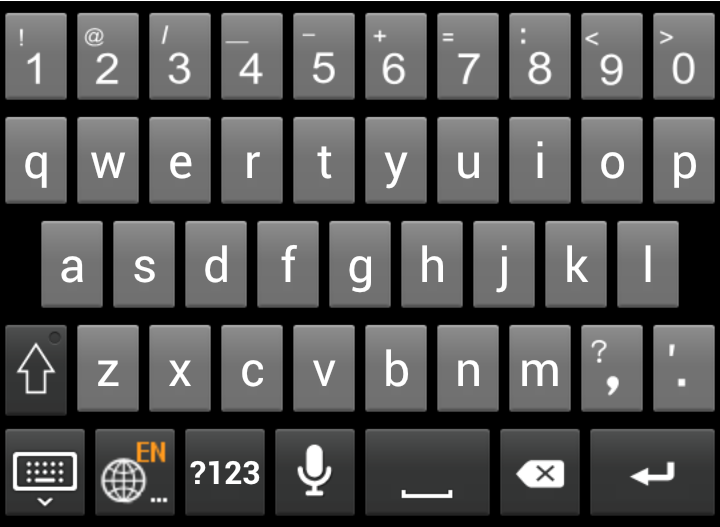
 to input the upper case symbols and capital letters.
 to use the English voice input function.
 /
/ to switch.