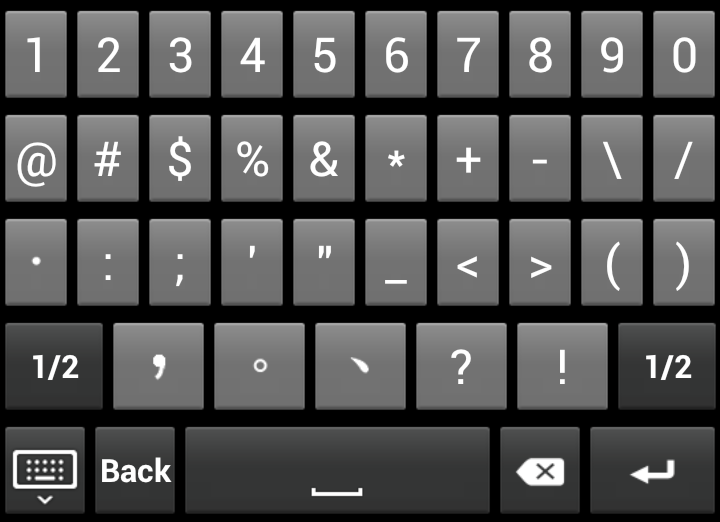
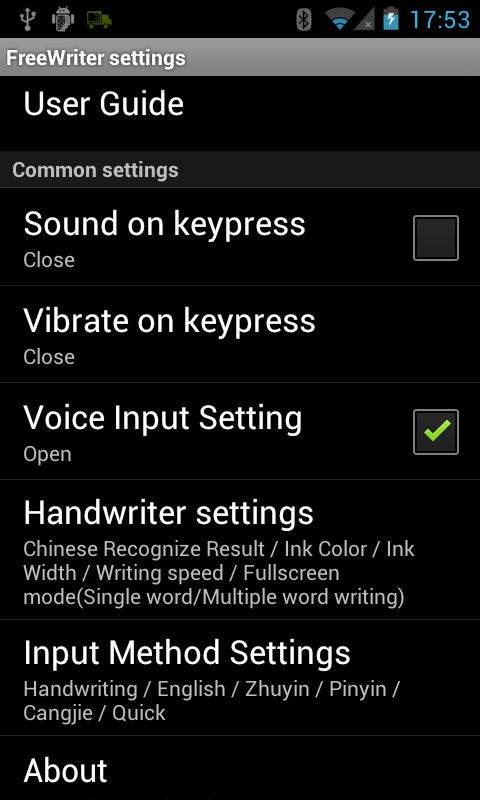
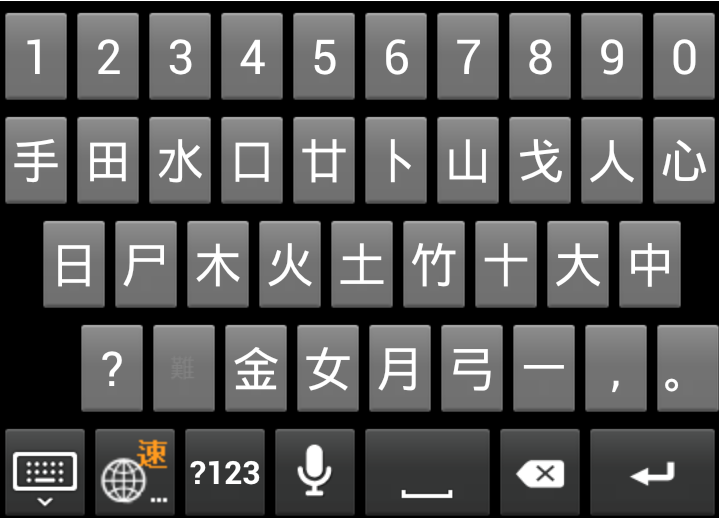
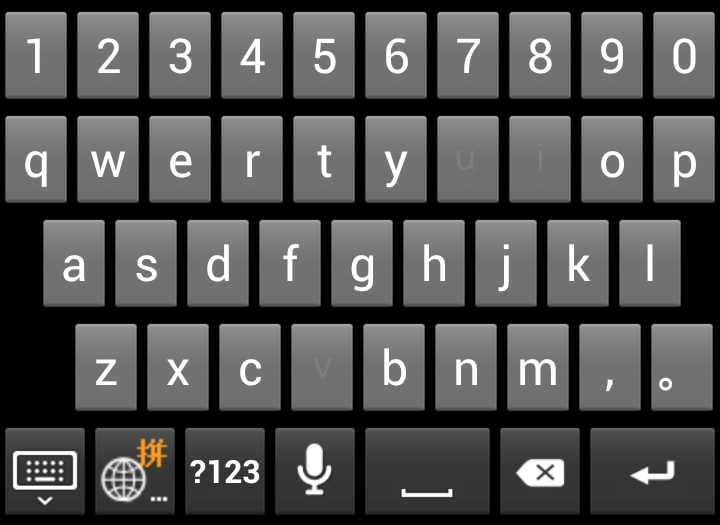
FreeWriter provides Penpower Handwriter, Onscreen Keyboards, and Voice Input functions. Penpower Handwriter can recognize Traditional Chinese, Simplified Chinese, English, and Numbers/Symbols. The Onscreen Keyboards contain English Keypad, Zhuyin Keypad, Cangjie Keypad, simplified Cangjie Keypad, and Pinyin Keypad.
Add FreeWriter into the input method list
FreeWriter introduction
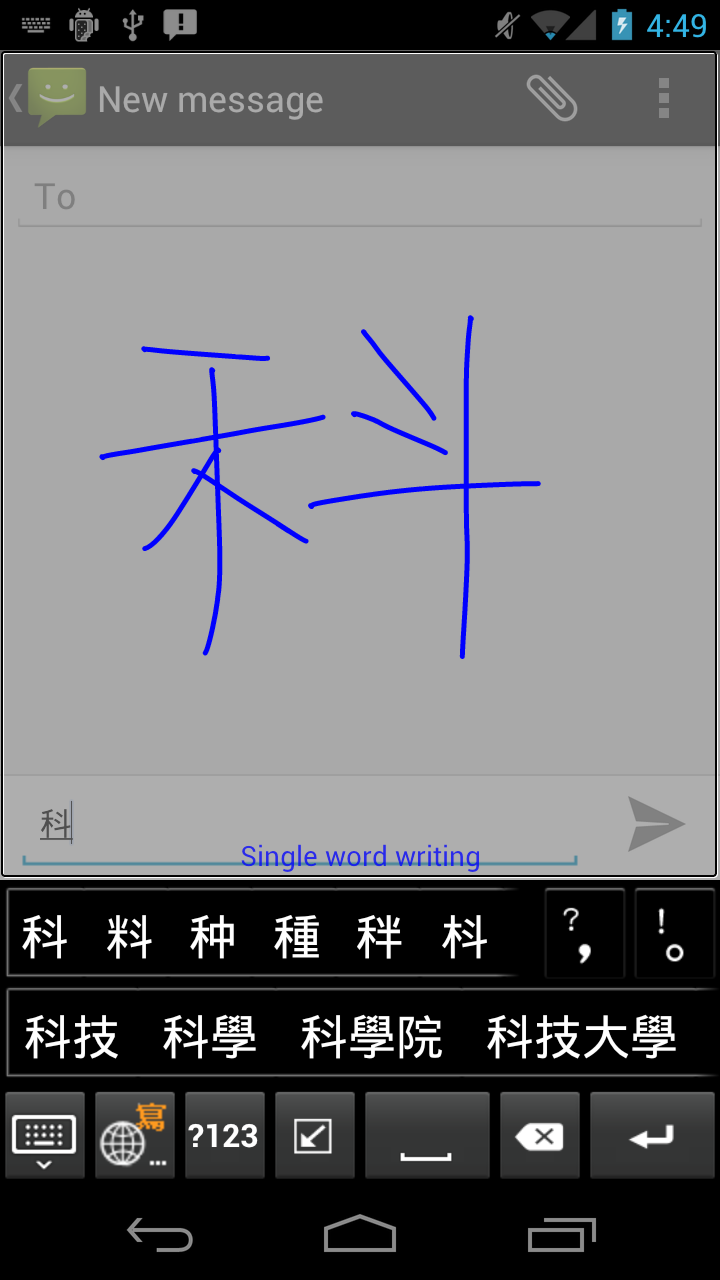
Writing grid mode
Fullscreen mode
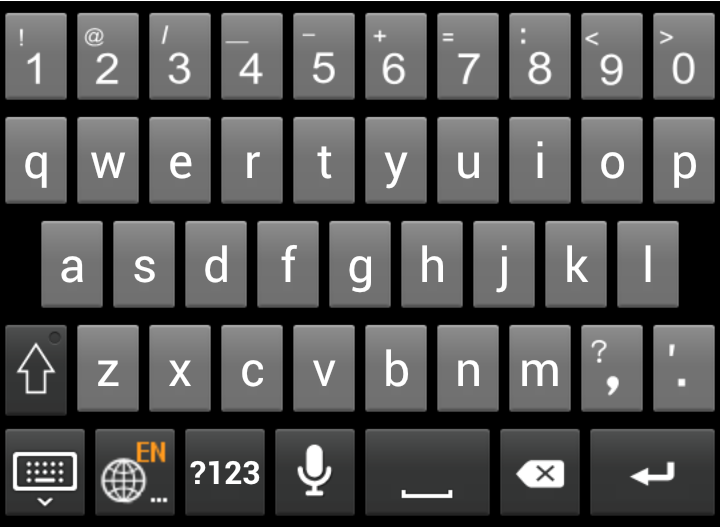
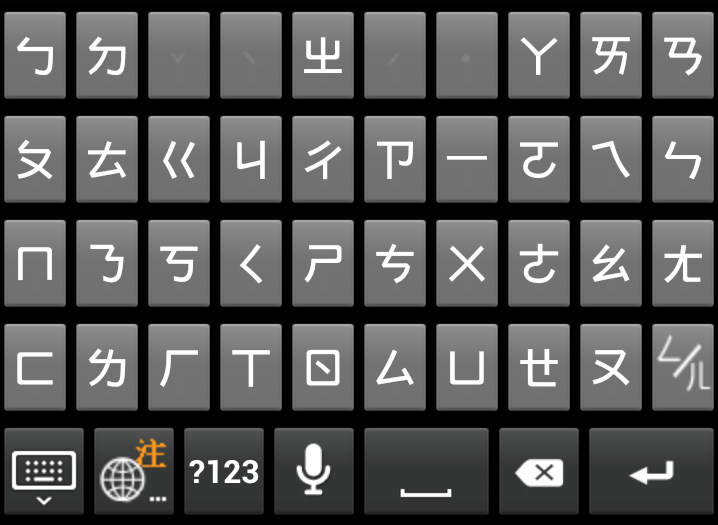
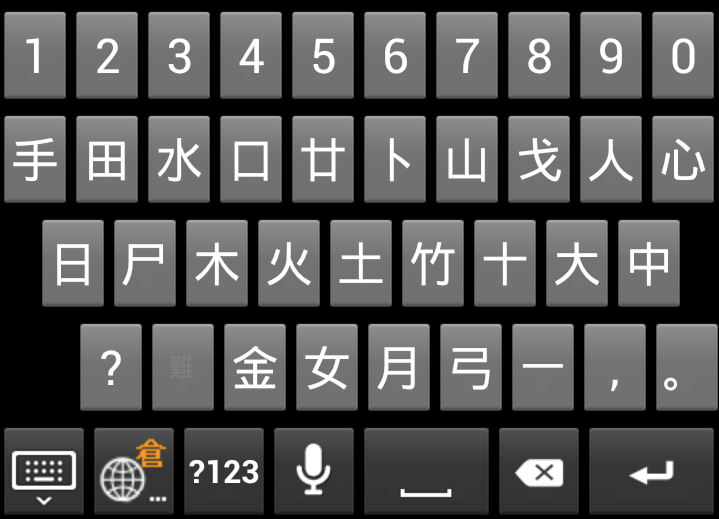
Onscreen keypads
Settings
Add FreeWriter into the input method list
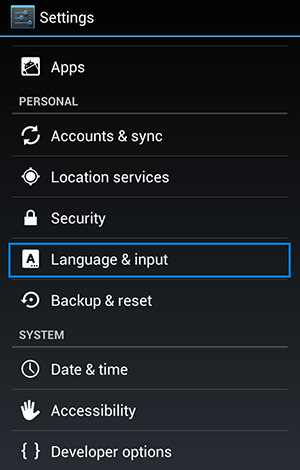
- Choose [Settings] > [Language & input].
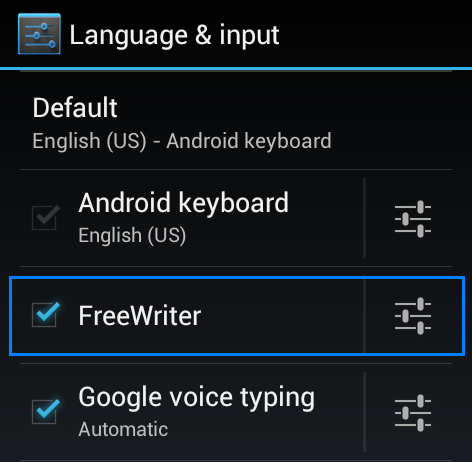
- Select [FreeWriter] to add FreeWriter into the input method list.
- Tap a text field, such as in a note or new contact, and a keyboard symbol constantly appears in notification bar.

- Slide down the notification bar and then tap the [Select input method] option.
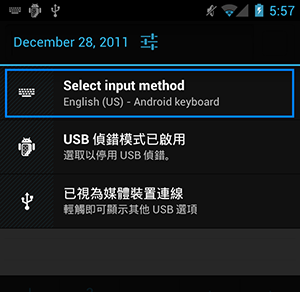
- Select [FreeWriter] from the menu and then FreeWriter will be brought up and set as the default input method.
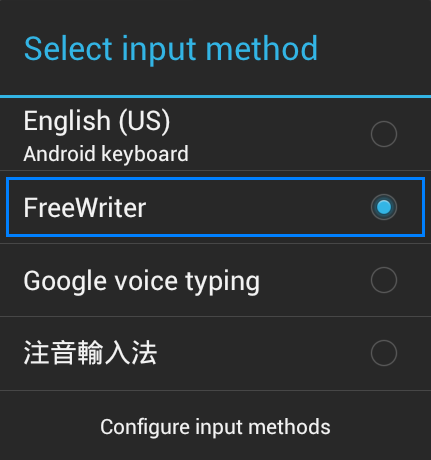
- To close [FreeWriter], simply press the return button on the device.
Tips:
- Rotate the device and the [FreeWriter] screen rotates too, adjusting automatically to fit the new orientation.
- If you don't find [FreeWriter] in the input method menu, please repeat the steps above to add it in the list again.
- To allow the display of the virtual on-screen keyboard, if your tablet pc has a physical keyboard, please disable it by setting the [Use physical keyboard] as [Off].
Return to contents
FreeWriter introduction
FreeWriter provides Handwriter (Writing grid mode / Fullscreen mode) and onscreen keyboards. The interface of Handwriter includes the input area and tool bars.
Tip:If FreeWriter is set as the default input method, it will automatically bring up when you tap a text field, such as in a note or new contact.
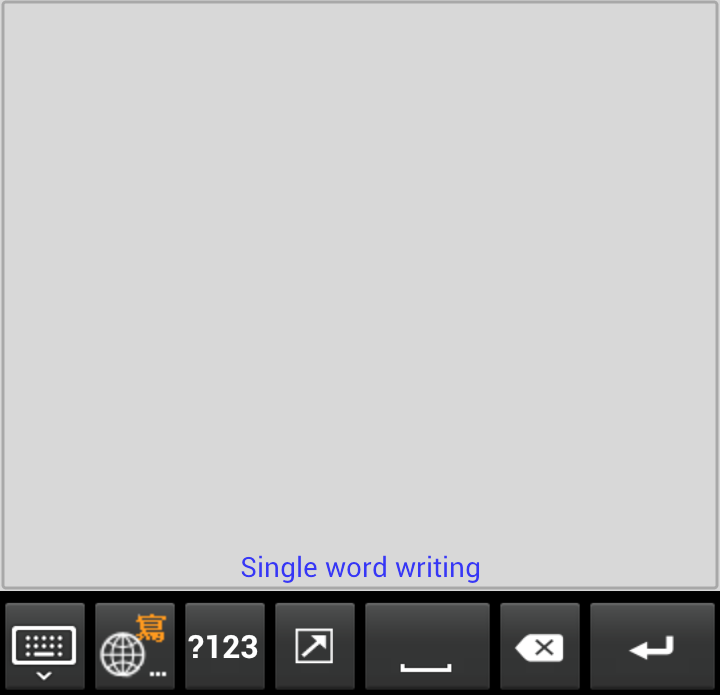
Handwriting Area
Penpower Handwriter can recognize Traditional Chinese, Simplified Chinese, English, and Numbers. When you rotate the phone, Penpower Handwriter will follow the rotation. For more information, please see [Writing grid mode] and [Fullscreen mode].
Tip: The landscape mode of Penpower Handwriter contains one writing grids. You can write Traditional or Simplified Chinese on either grid, or write by turns.
Tool bar
 Settings / Input method menu - Tap this button to close FreeWriter. Tap and hold this icon to open Penpower input method menu or switch to bring up the input method list of system.
 Switch among FreeWriter input methods - FreeWriter provides Handwriter, English Keypad, Zhuyin Keypad, Cangjie Keypad, simplified Cangjie keypad, and Pinyin Keypad. Tap this button to switch among them.
 Number and symbol - Tap to open the number and symbol keypad.
 Space - Tap this icon to insert a space.
 Delete - Tap this icon to delete the character before the cursor.
 Function Keys - This key will function differently according to the document or fields. Tap
  and you can switch to the next line. Tap
  and you can finish the inputting process. Tap
  and you can go to a certain website. Tap
  to start to search.
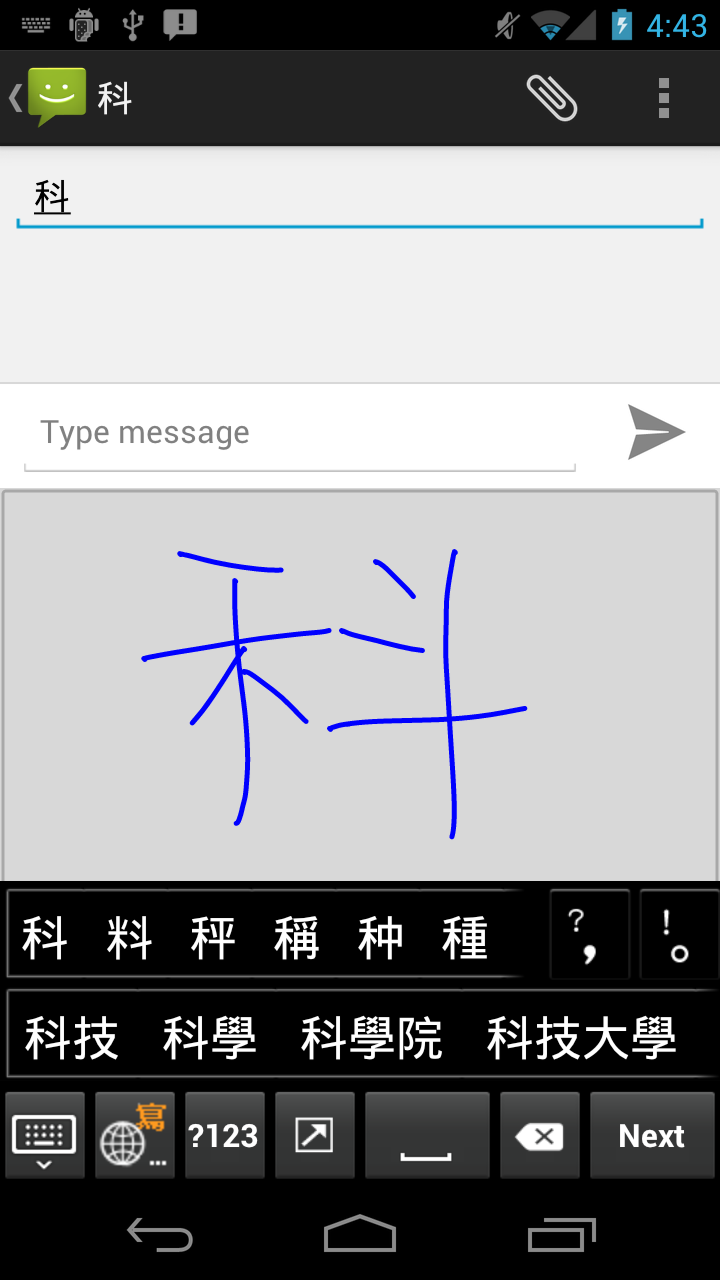
 to switch to the Fullscreen mode.
 to input the upper case symbols and capital letters.
 to use the English voice input function.
 /
/ to switch.