Getting Started
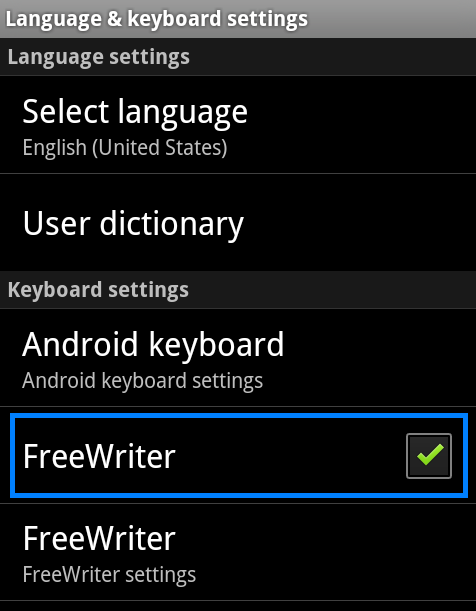
- Choose [Settings] > [Language & Keyboard] and then select [FreeWriter]. FreeWriter will then be added into the input method list.
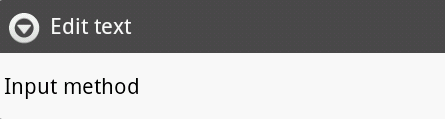
- Tap and hold a text field, such as in a note or new contact, to bring up and select [Input method].
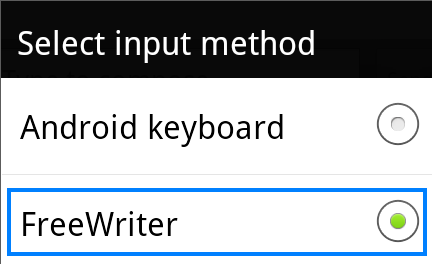
- Choose [FreeWriter] to set [FreeWriter] as the default input method. Then FreeWriter will appear automatically.
- To close [FreeWriter], simply press the return button on the device.
Tip:
- Rotate the device and the [FreeWriter] screen rotates too, adjusting automatically to fit the new orientation.
- If you don't find [FreeWriter] after you select [Input method], please repeat the steps above to add it in the list again.