On Mac OS X 10.8 ~ 10.9 systems, if you need other language pronunciation
feature except English, please follow the steps below to set up:
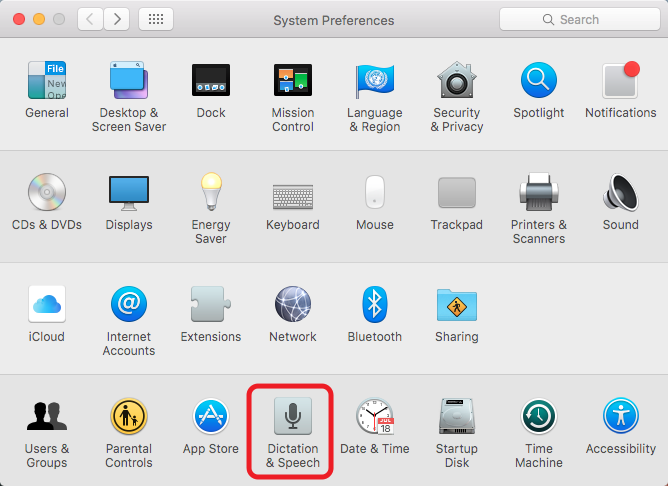
- First, please go to [System
Preferences] / [Dictation & Speech].
-
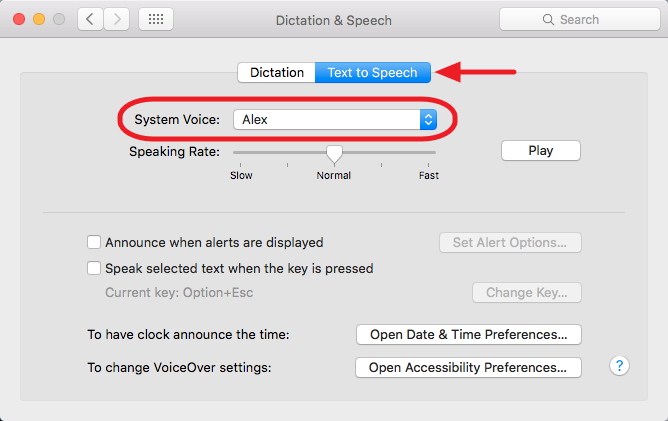
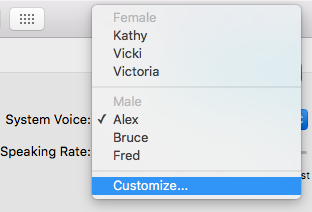
Second, choose the tab [Text to Speech], and click [System
Voice] to extend the menu, and then choose [Customize...].
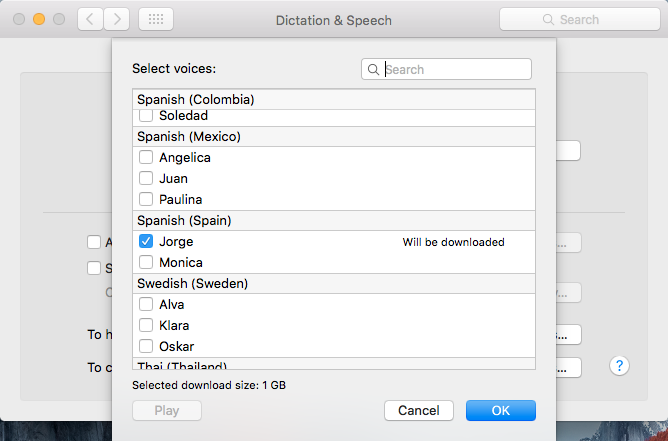
- Final, check the languages you want to use and
click [OK] to download the voice databases, after downloading,
you will be able to use the voice functions.